ShiftGo
A sample project: event shifts in Croatia on a map, built so that crew see the town and never the venue address until a booking is confirmed.
The app, state by state
Crew find a shift on a map, read the place, apply and collect a stamp; the organiser posts the shift on desktop. Four views, each a short loop of the real screens.
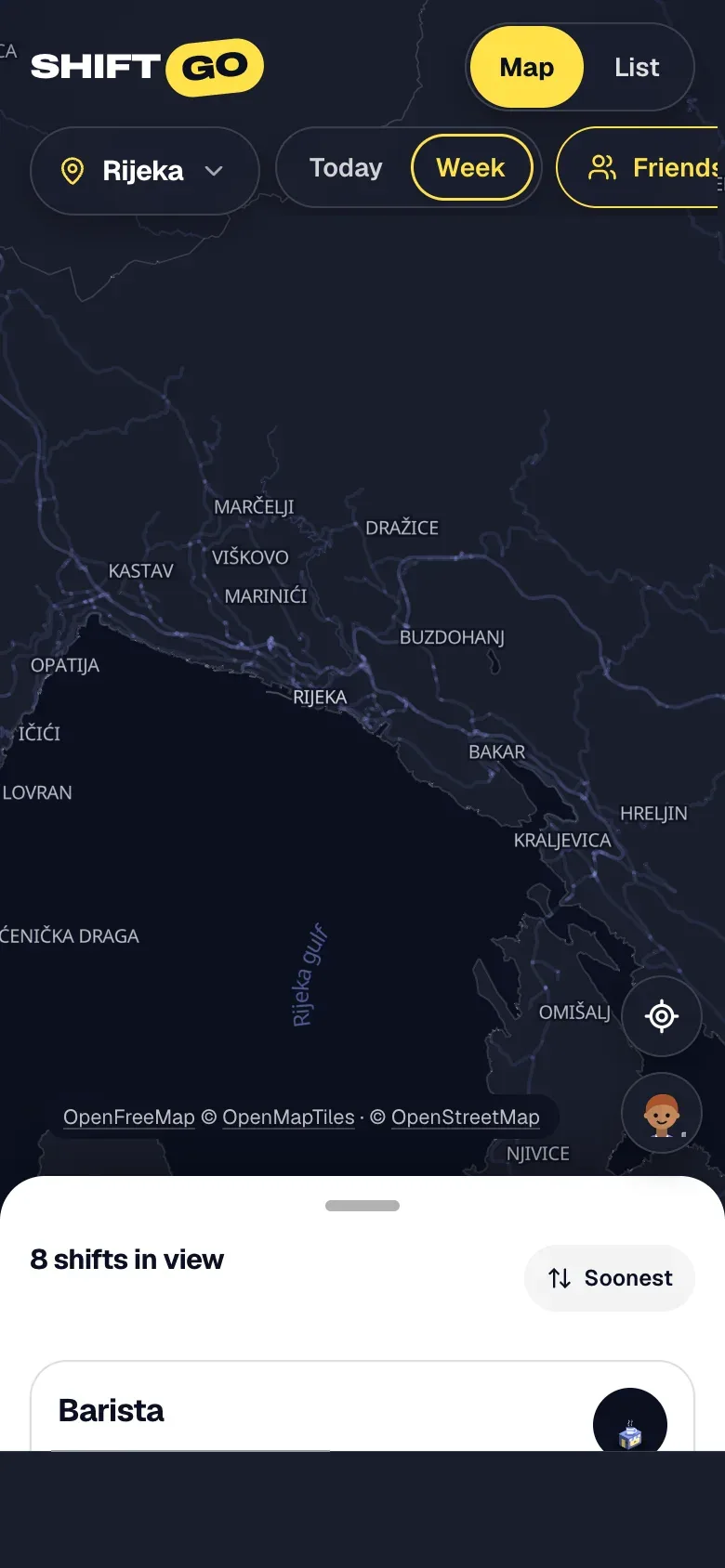
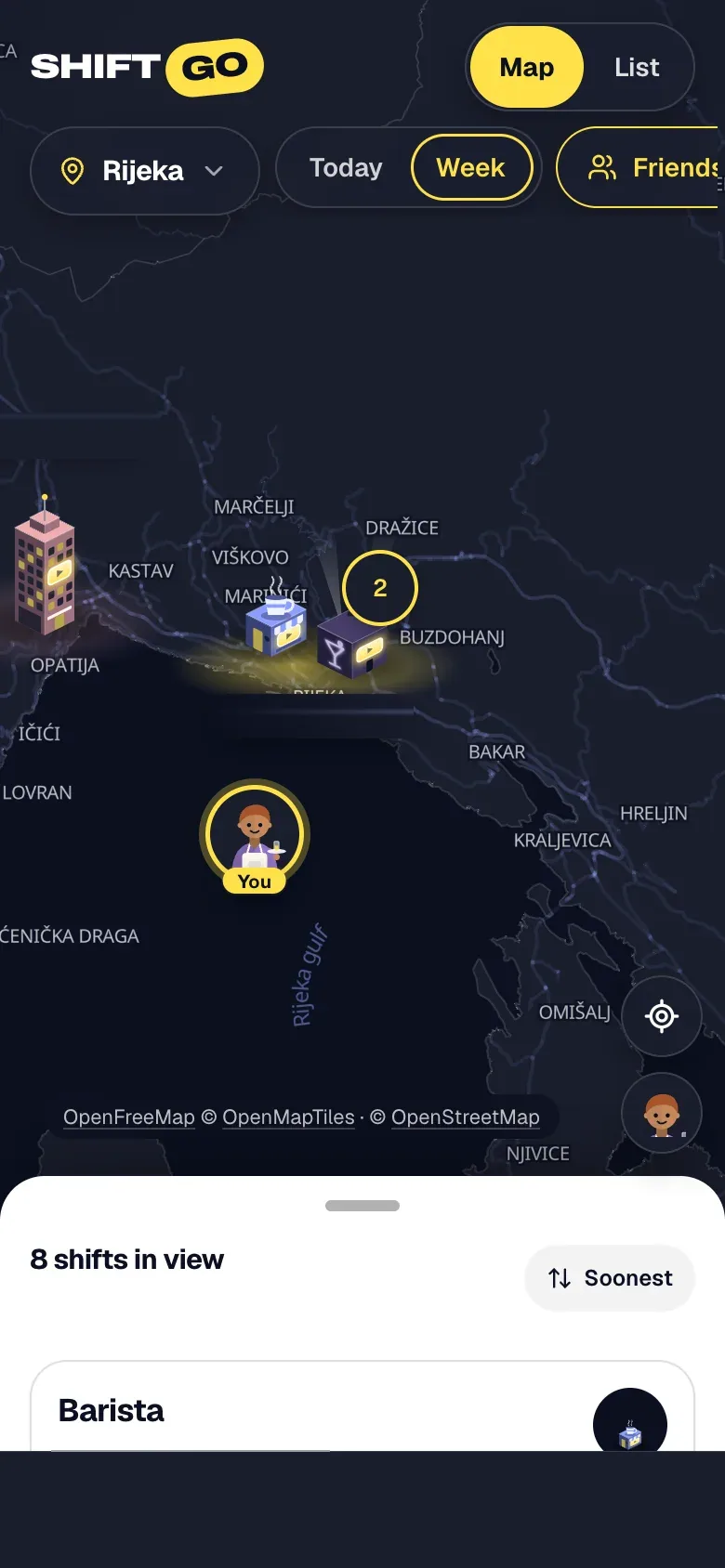
Crew open on a map of the coast around Rijeka. Pins show a building and never a street address, a ring with a number says how many are together, and the sheet below counts the shifts in view.
- The map
- Pins on the map
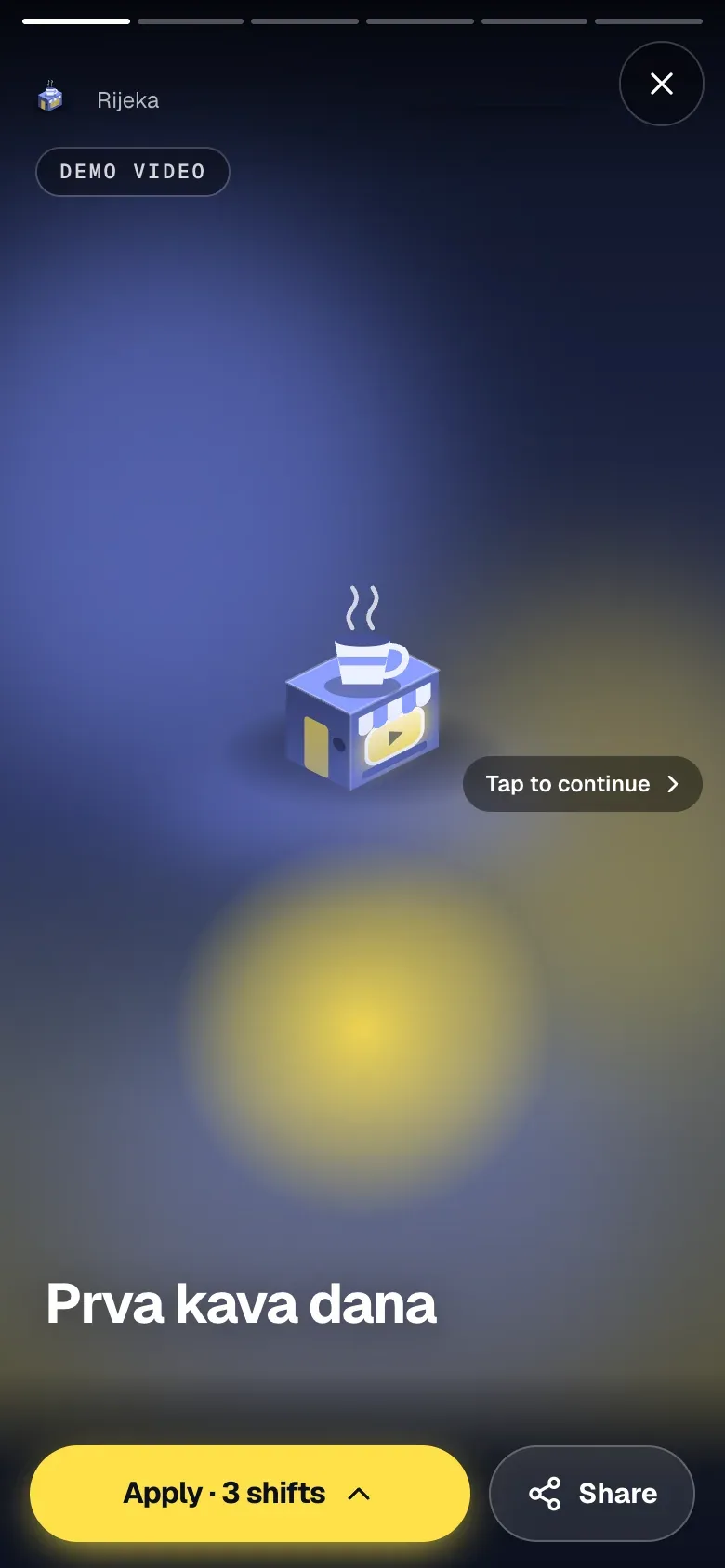
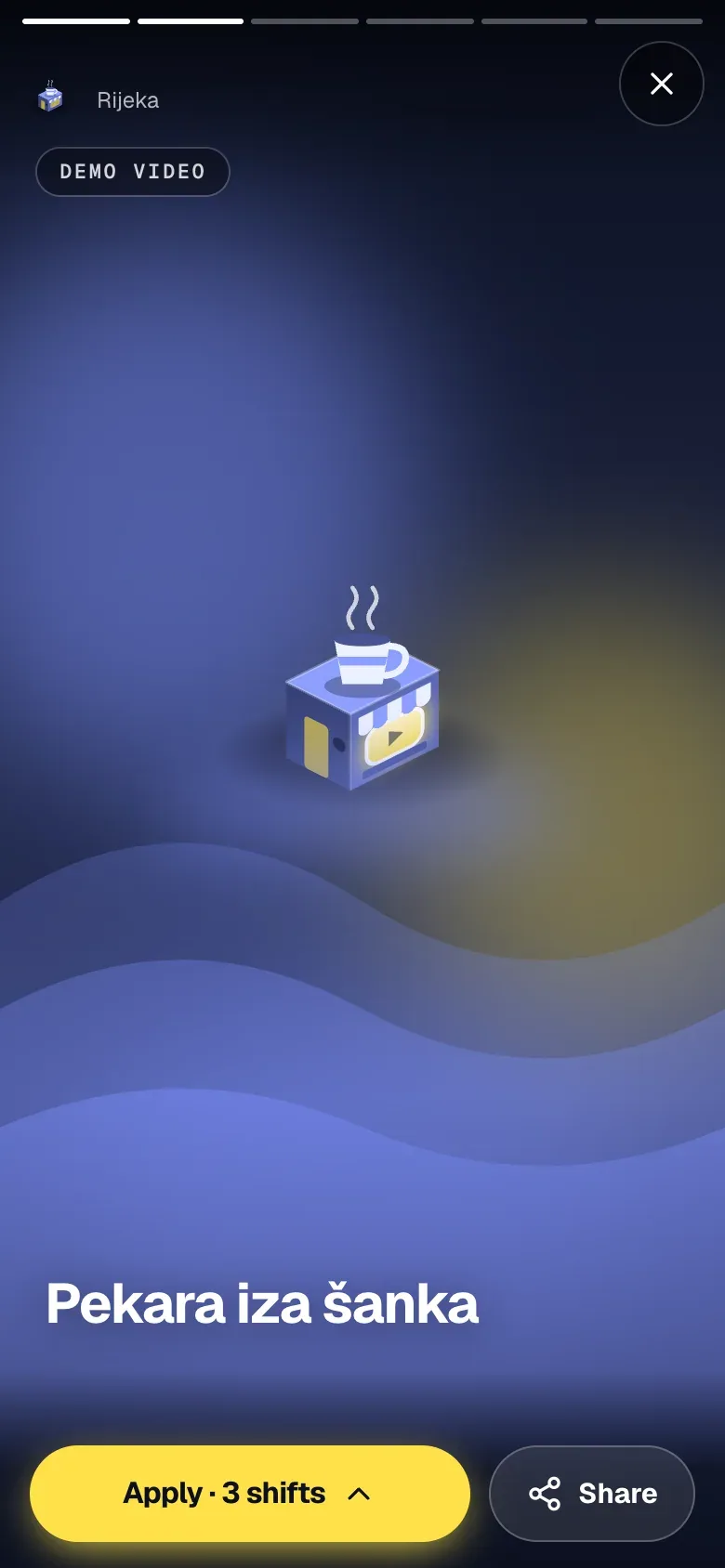
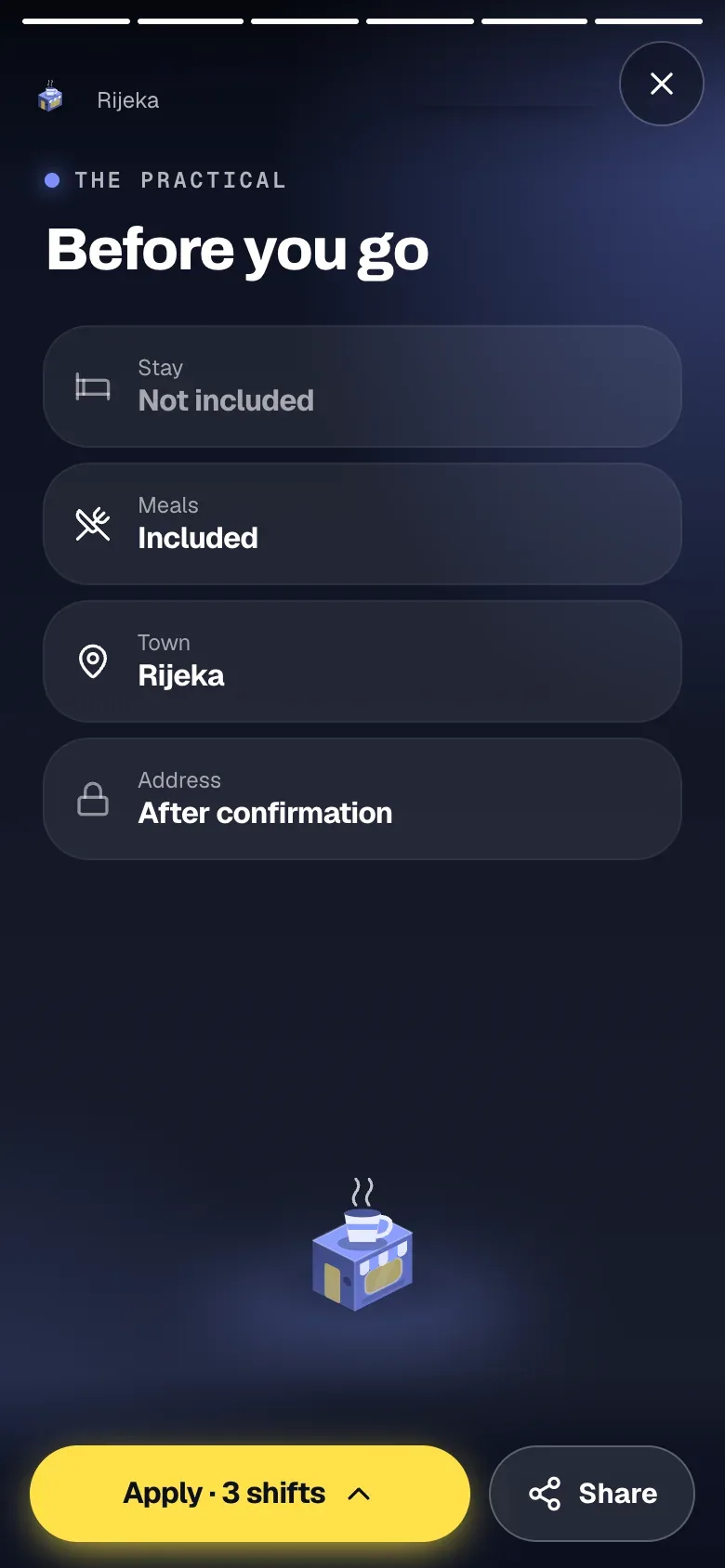
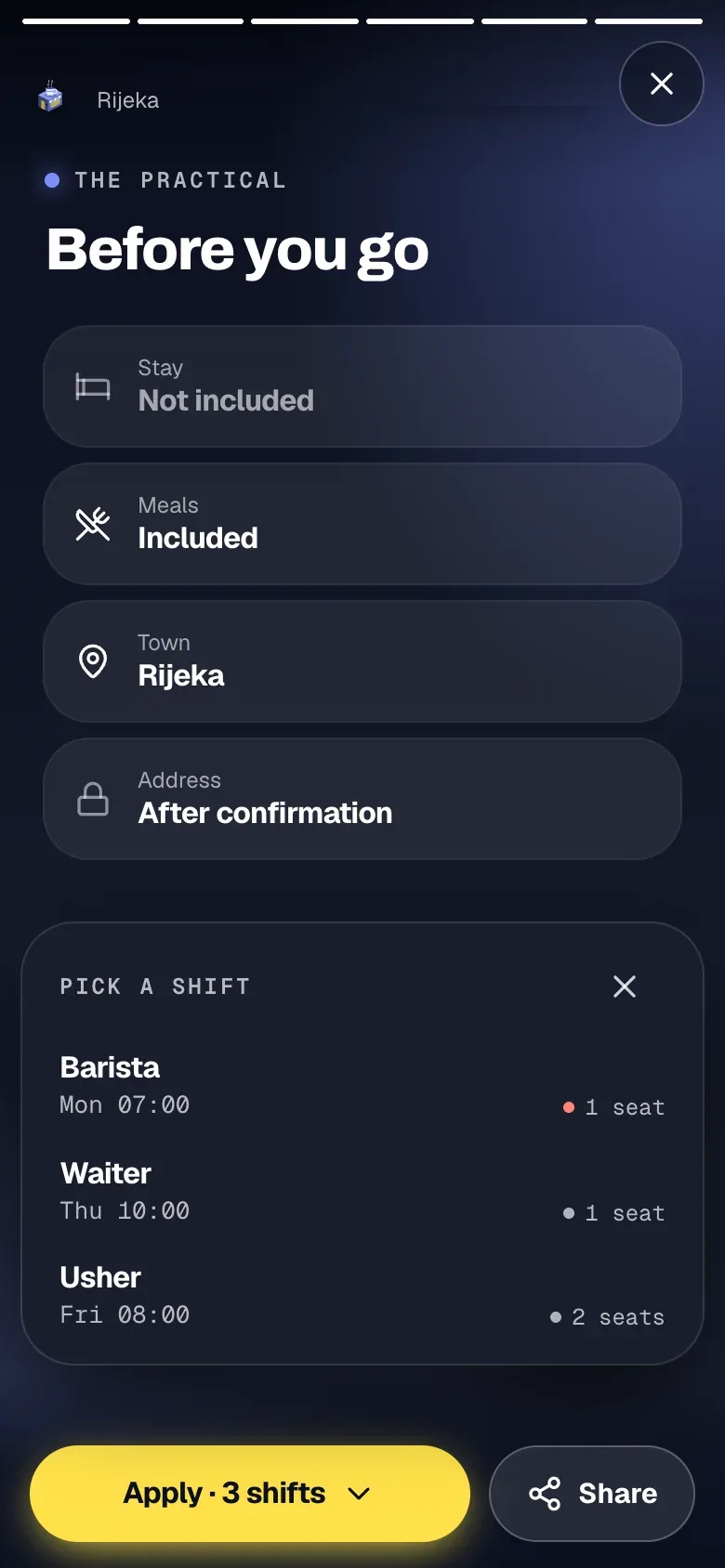
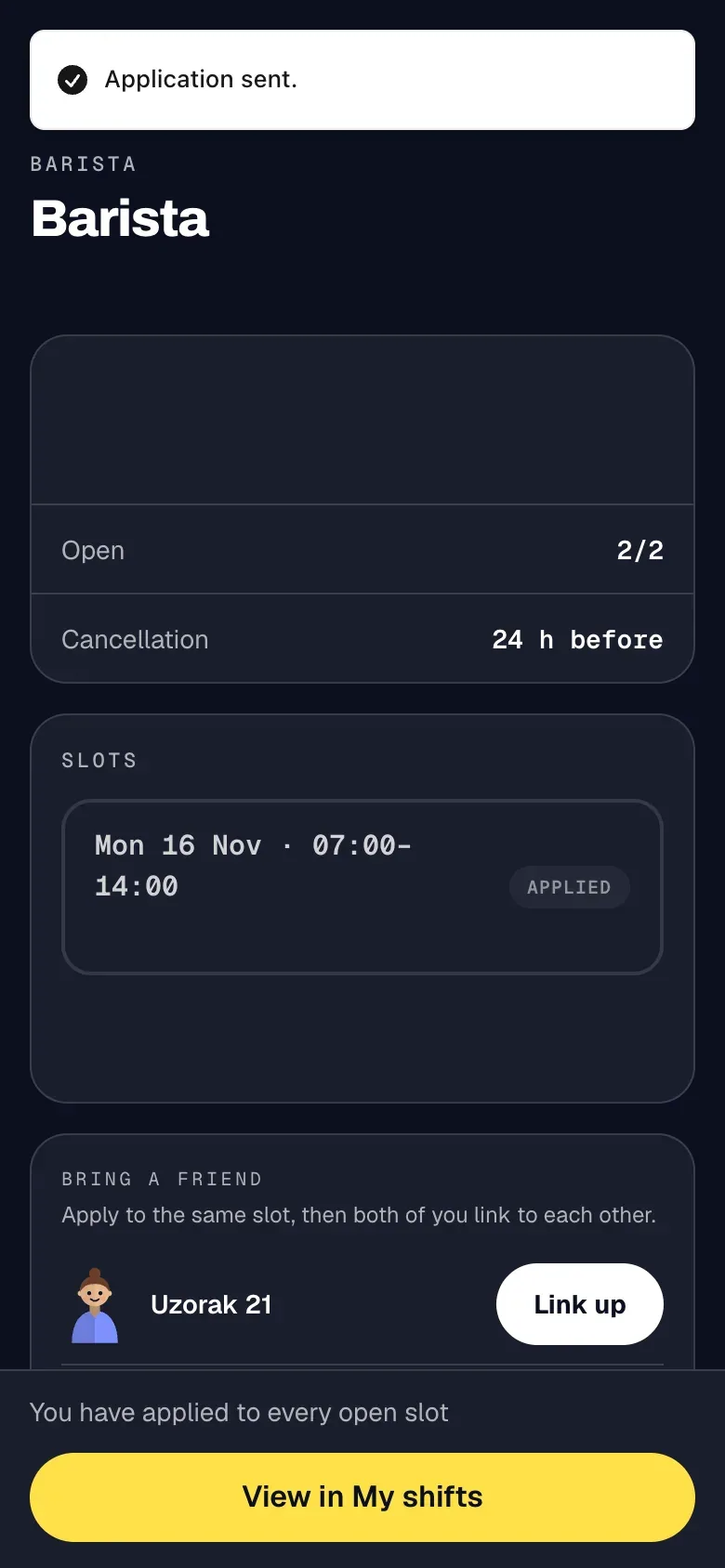
A place opens as a short story of its shifts. The practical card shows the town and says the address comes after confirmation; Apply opens the shifts to pick from, and the next screen says the application was sent.
- The place story
- The next slide
- Before you go
- Pick a shift
- Application sent
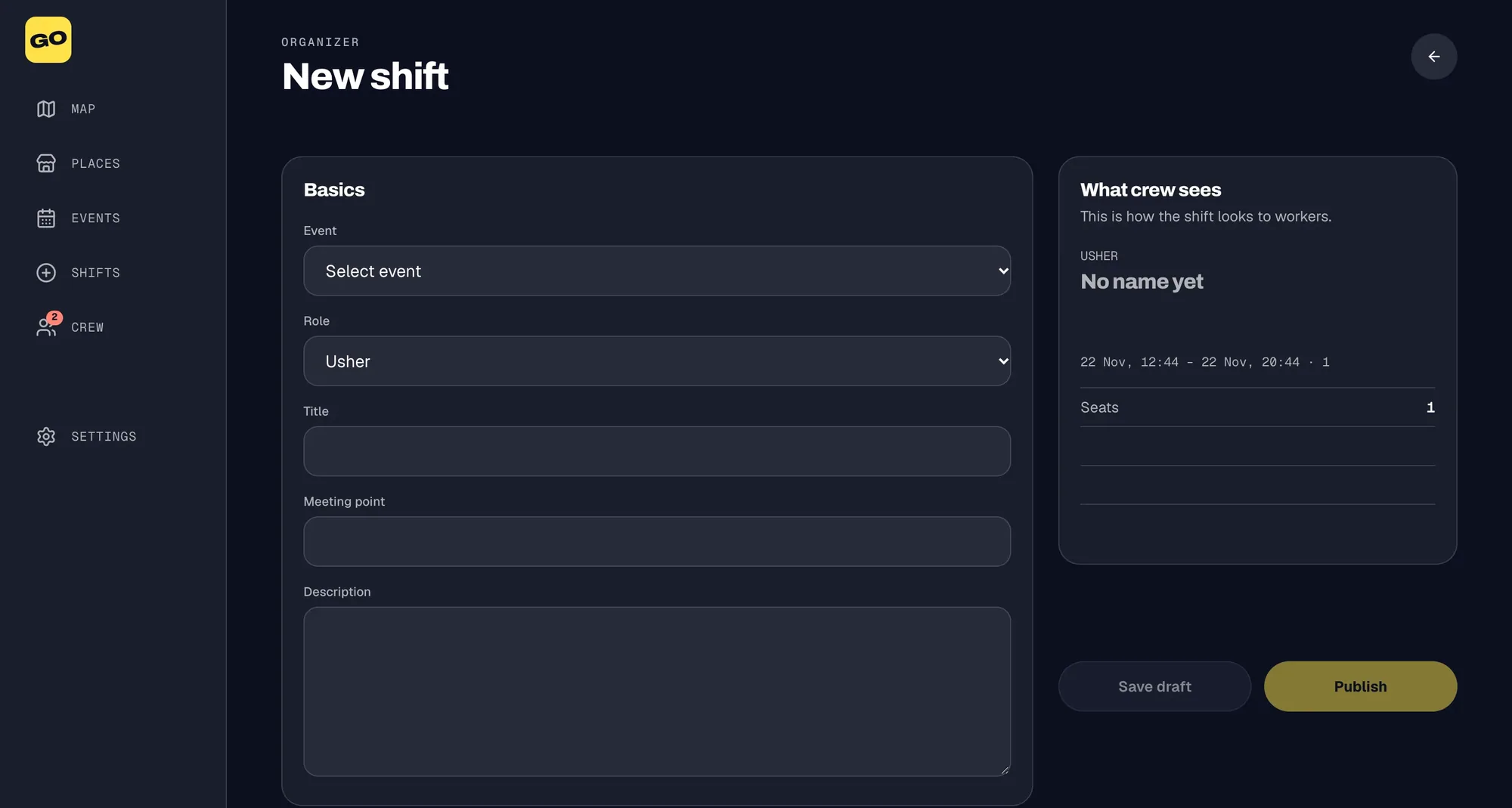
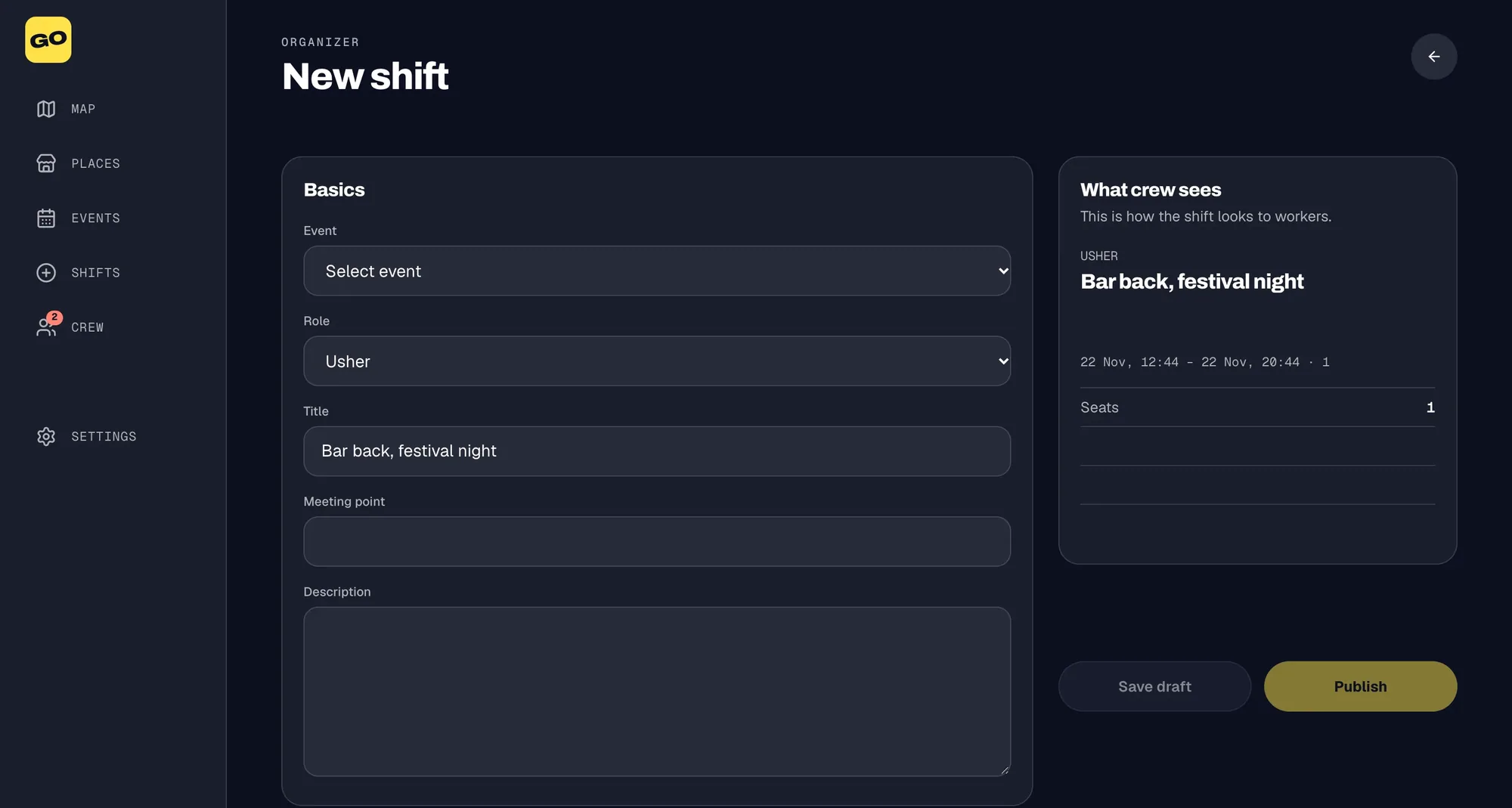
The organiser posts a shift on desktop: event, role, title and meeting point, and a panel beside the form shows what the crew will see as the title is typed.
- Empty form
- Title typed, preview follows
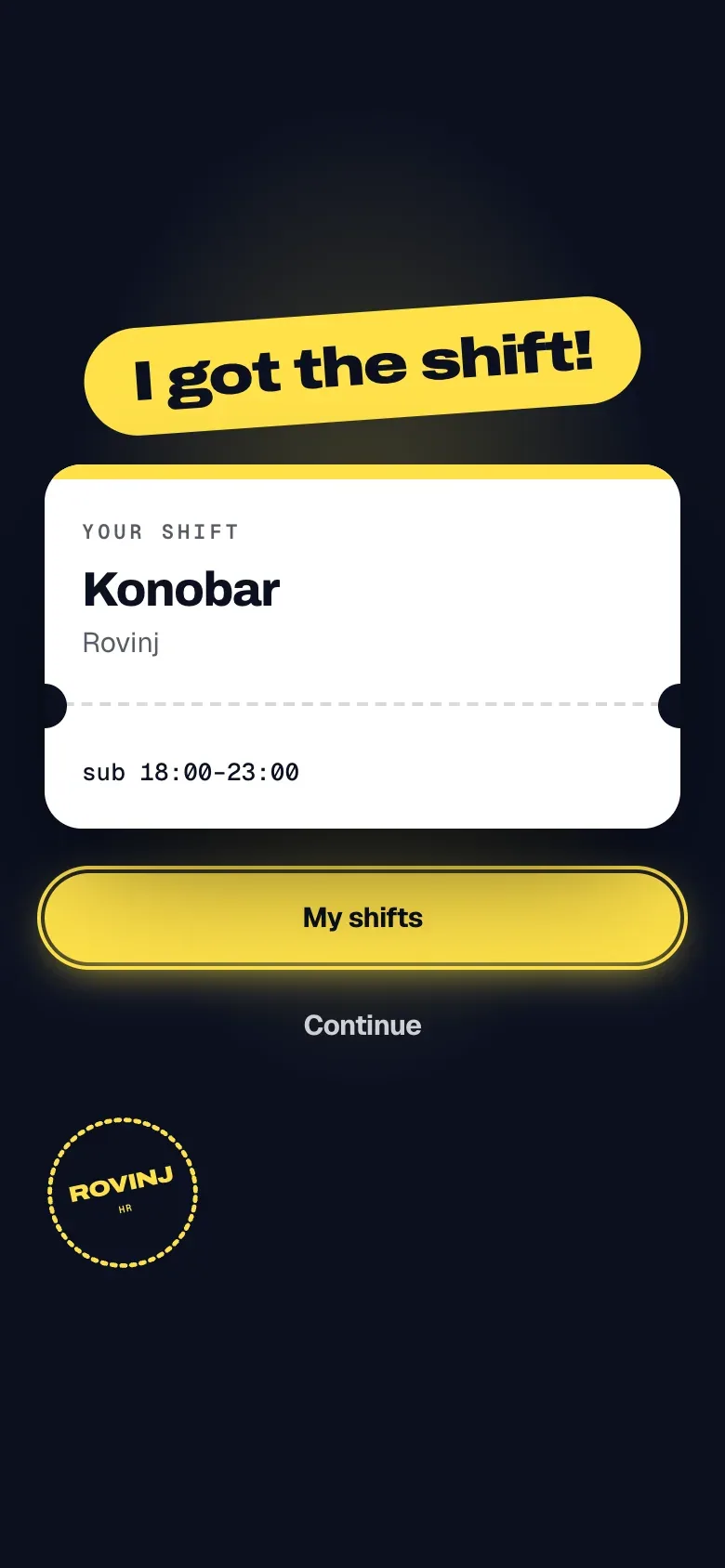
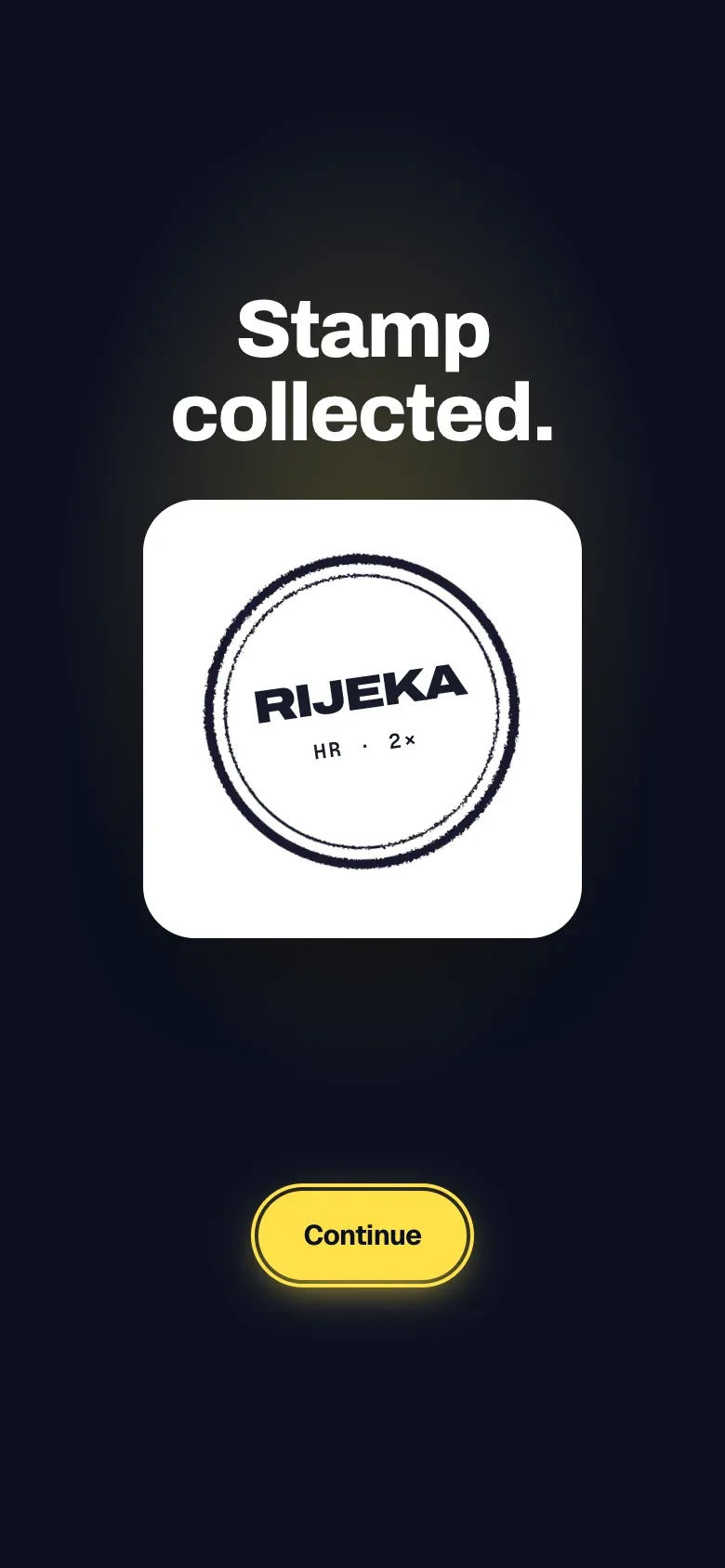
A confirmed shift ends in a short celebration, and the town goes on the crew member's passport as a stamp.
- Shift confirmed
- Stamp collected
Brand
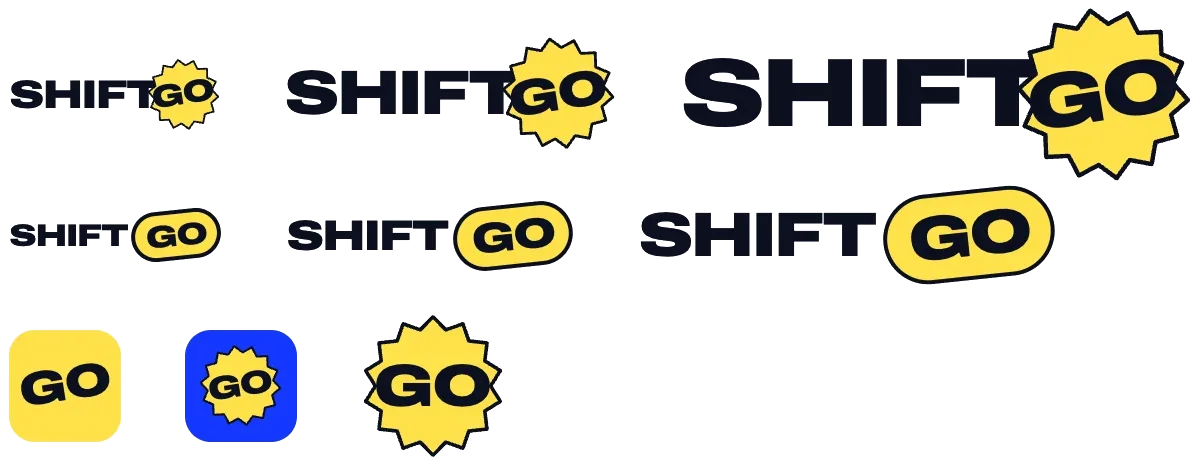
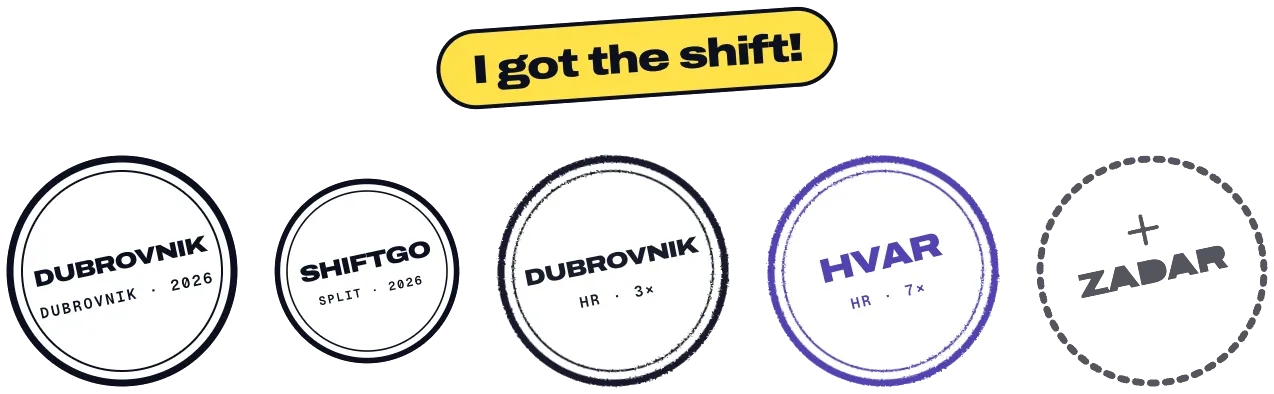
The brand is dark by default, with a light theme: a night map, a yellow GO logo, and stickers and stamps. The logo family is shown here in its light theme, straight on the ground.
- Ink#0B1020
- Paper#FFFFFF
- Limun#FFE14A
- Jadran#1437FF
- Red#FF5A45
- Green#1DBF83
- Colour
- Logo
- Stickers and stamps
Ideas that failed
One idea the project dropped, with the reason as it was written in the project's own records.
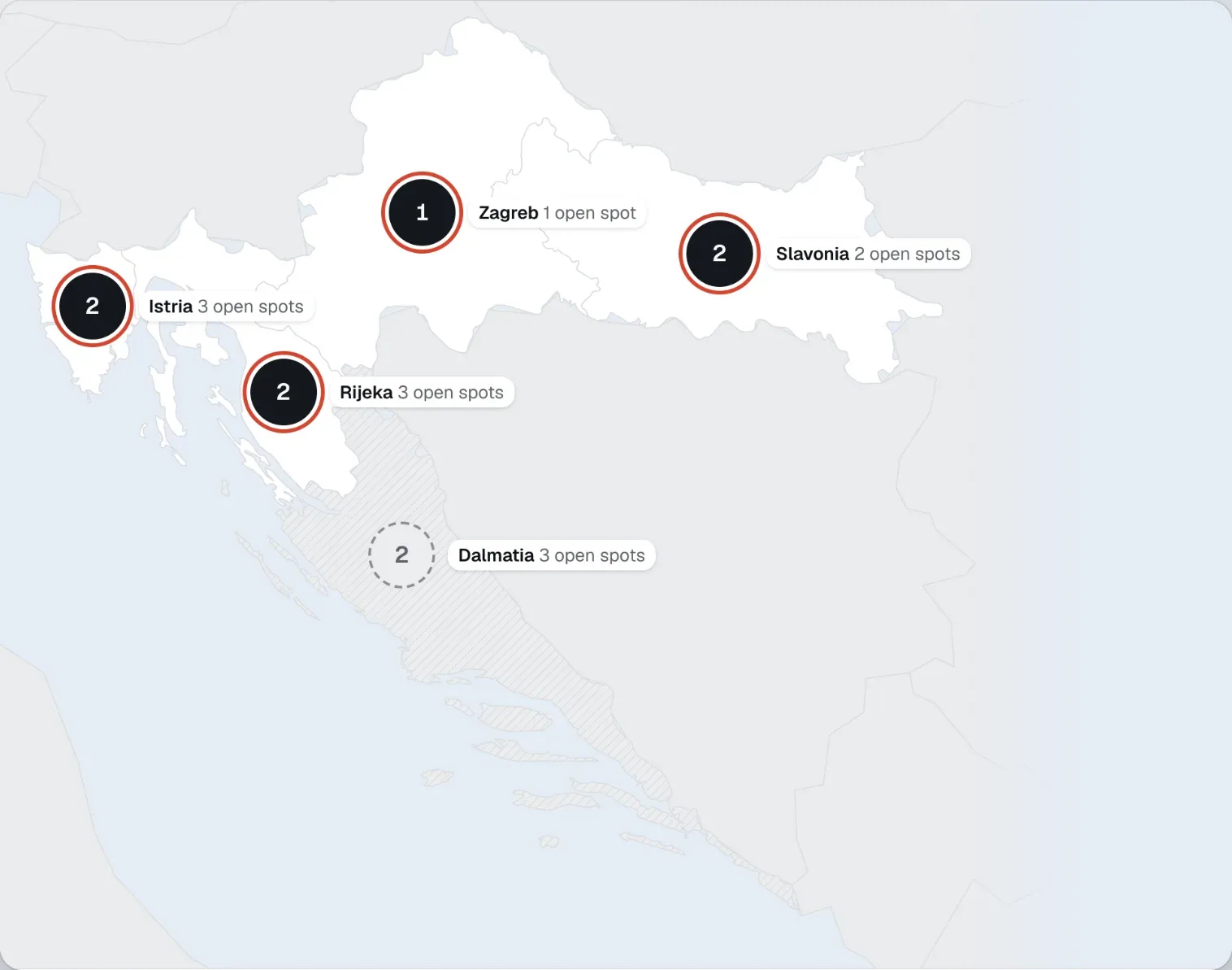
- Regions as numbered rings. A drawn map of Croatia, two zoom levels, no streets. The address stayed off it.
The first map had no street layer because "crew pins are town centroids, so streets would show nothing crew may see". The design plan then proposed the street map and recommended it: "A two-level SVG cannot feel like Snap Map and cannot cover 20 countries."
Final screens
The home page in both themes, each showing half of the screen, and the organiser form. Scroll sideways.
-
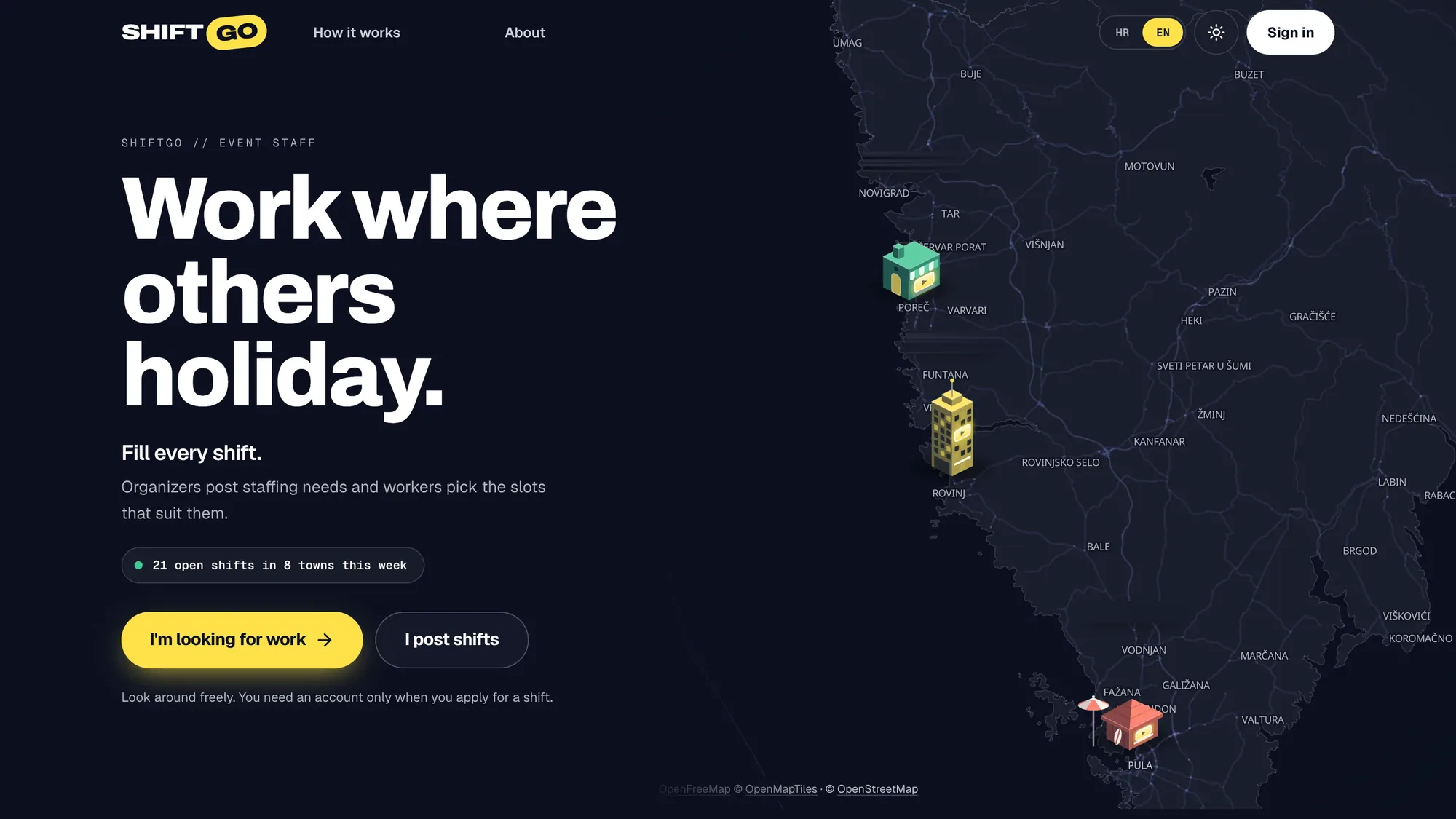
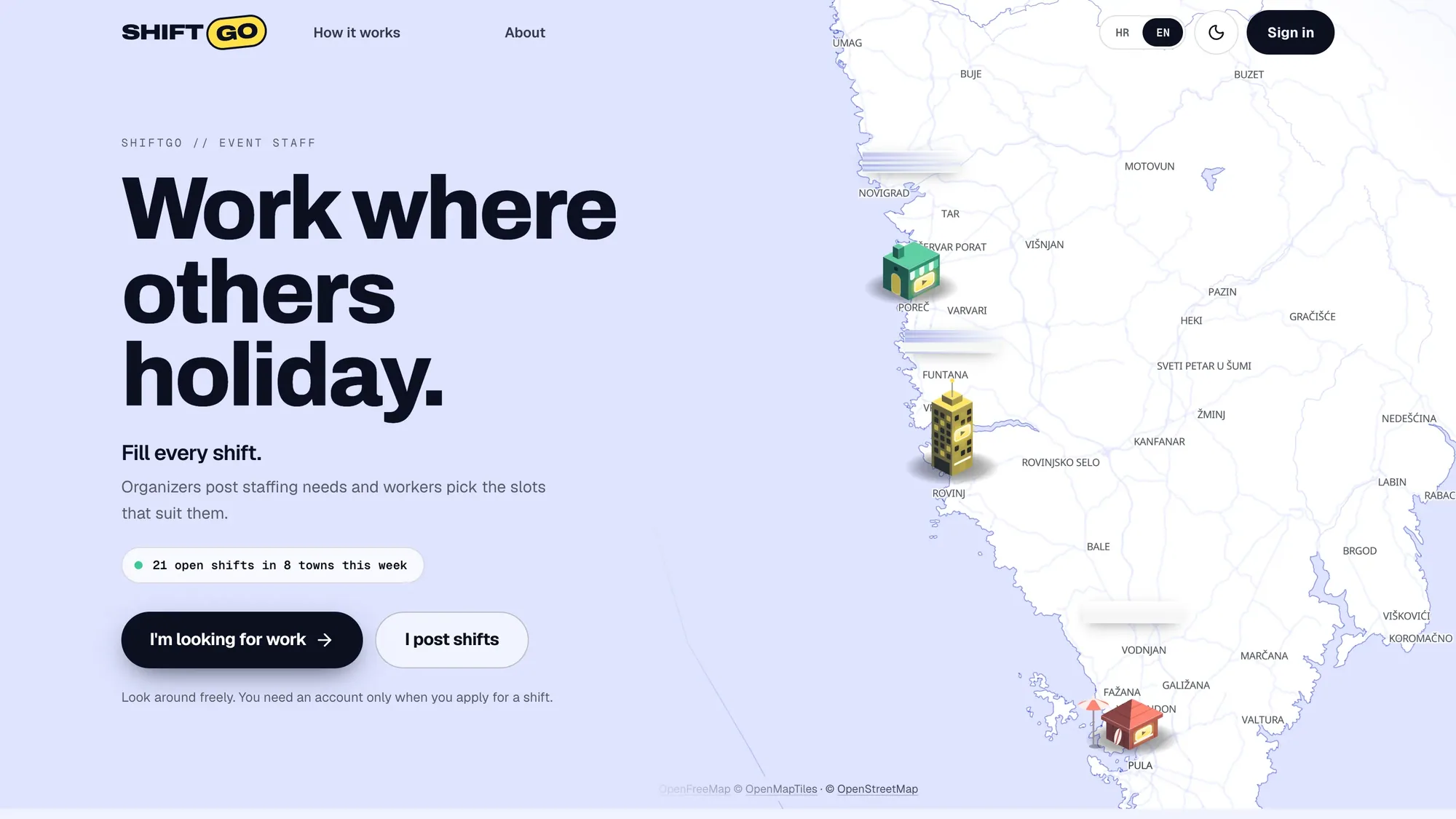
Home: the dark theme on the left, the light theme on the right. -
New shift, for the organiser: the form and what crew will see.